Nearly 80% of businesses plan to integrate AI-driven voice technology into customer service by the end of 2026, according to Nextiva. Yet most teams still cannot answer a basic question: how do AI voice agents integrate with CRM systems in a way that actually holds up on a live call? An AI voice agent integrates with a CRM by connecting through native connectors or through APIs and webhooks, so it can read customer records before it speaks, interpret intent during the conversation, and write structured outcomes back into the CRM the moment the call ends. If that sounds simple, I understand the skepticism.
I have watched plenty of "integrated" voice deployments look flawless in a demo and quietly fall apart in production. Usually the reason is the same. The data plumbing underneath was an afterthought, and the voice quality got all the attention. In this guide, I will walk you through exactly how the integration works, what data moves in each direction, where these setups tend to break, and what to verify before you connect anything to your CRM.
What Does AI Voice Agent CRM Integration Actually Mean?
AI voice agent CRM integration is the connection that lets a voice AI system exchange data with your CRM in real time. The agent pulls customer records before or during a call, interprets what the caller wants, and writes notes, outcomes, and updated fields back into the CRM automatically. Without that connection, a voice agent is just a well-spoken stranger who cannot see your customer history.
That distinction matters more than most vendors admit. A voice assistant without CRM access can answer generic questions and route calls, but the conversation breaks the moment a caller asks for anything specific about their account. Real integration is what turns a scripted responder into an agent that knows who is calling and why.
The Three-Layer Stack: Speech, Intent, Action
Every voice-to-CRM connection runs on three layers working together. Speech recognition converts spoken words into text, natural language processing (NLP) interprets intent and sentiment, and text-to-speech returns a natural human-sounding reply. The CRM integration sits underneath all three as the action layer, the part that reads and writes real business data.
In the deployments I have worked on at OnDial, teams tend to obsess over the first two layers because they are audible with Finance AI voice agents. The action layer is invisible until it fails. A voice agent can sound perfect and still be useless if it cannot map "I want to change my address" to the correct field in your CRM record.
Native Connectors Versus API and Webhook Integration
There are two ways to make the connection, and choosing between them is one of the first real decisions you will face. Here is how they differ:
Native connectors: Prebuilt integrations that link directly to platforms like Salesforce, HubSpot, Zoho, or Pipedrive with minimal configuration. They deploy faster and reduce errors, which is why they suit teams that want to keep existing CRM workflows intact.
API and webhook integration: A more flexible route where the voice agent talks to your CRM through REST APIs and webhooks. This is how you connect to homegrown systems, less common platforms, or a stack where you need custom logic that no prebuilt connector offers.
So should you use native integration or an API? If your CRM is a mainstream platform, a native connector is almost always the faster, safer start. If you run a custom or legacy system, plan for API work and a thin middleware layer you control.
How the Integration Works Step by Step During a Live Call
Real-time CRM sync is easiest to understand when you follow a single call from ring to wrap-up. During inbound and outbound calls, data moves in both directions between the voice agent and the CRM, so the system always has context and a human agent never starts from zero.
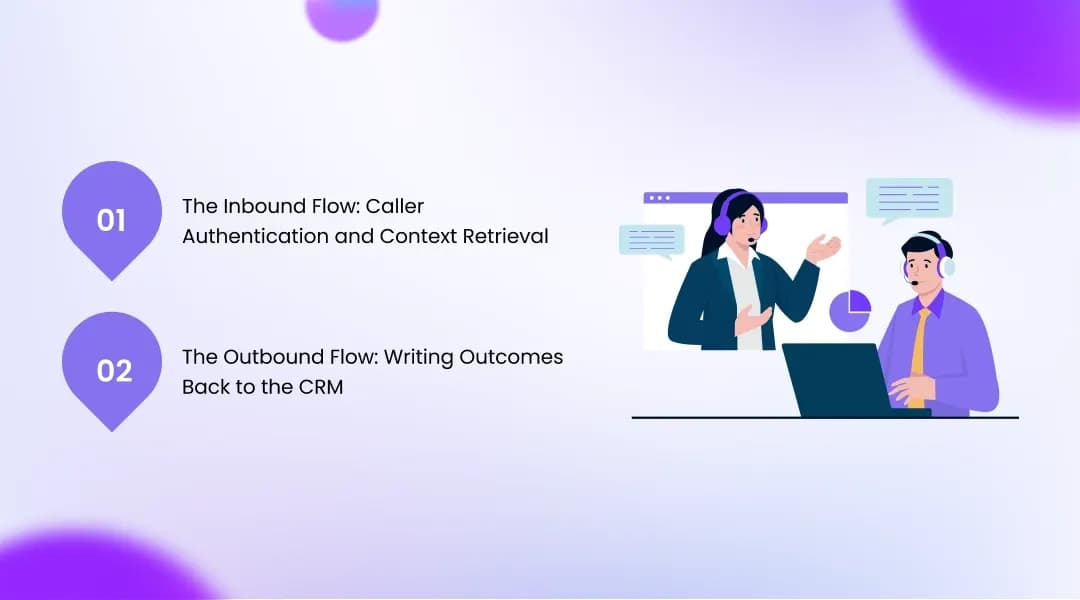
Here is the core sequence: an incoming call triggers caller authentication, the system matches the phone number to an existing contact, retrieves that customer's history, guides the conversation with NLP, and then writes the outcome back to the CRM. If no match is found, it creates a new lead record instantly. That loop, run in under a second, is the whole game.
The Inbound Flow: Caller Authentication and Context Retrieval
When a call arrives, the agent's first job is to figure out who is on the line. It matches the incoming number against contact and lead records, then pulls the relevant account status, open tickets, and recent activity before it even finishes greeting the caller. This is what lets an agent say something like "your last order shipped on the 30th" instead of asking the customer to repeat information they have already given three times.
That context retrieval is the difference between personalization and interrogation. Customers can tell within seconds whether the system on the other end knows them. When the CRM lookup works, trust builds; when it stalls or misses, the caller immediately senses they are talking to a machine that is guessing.
The Outbound Flow: Writing Outcomes Back to the CRM
Once the conversation ends, the agent reverses direction and writes back. It generates a structured call summary, extracts entities like names and account numbers, logs the outcome, and can trigger the next workflow, such as assigning a lead or booking a follow-up with voice AI beyond static call scripts. This is where automated CRM updates replace the tedious after-call typing that human reps quietly skip when they are busy.
The payoff here is concrete and measurable. One analysis of a US SaaS support team found that manual after-call work dropped by more than 75% once AI agents were writing summaries and follow-up tasks directly into the CRM. That is not a marginal gain. That is hours of admin per rep, per week, that stop existing.
What Data Actually Flows Between the Voice Agent and Your CRM
Ask yourself a blunt question before any vendor call: do you actually know what data your voice agent would read and write? Most buyers cannot answer it, and that gap is exactly where weak integrations hide. CRM data accuracy depends entirely on getting this two-way flow right.
The flow splits cleanly into reads and writes. The agent reads context to sound informed, and it writes outcomes to keep records complete. Both halves have to work, or the integration is only pretending to be one.
Reading From the CRM: Context Before the Agent Speaks
On the read side, the voice agent queries customer information, account status, and historical data so it can respond with accuracy rather than generic model output. Advanced CRM mapping lets it use custom fields, so a caller asking about an order gets a specific, correct answer pulled live from the record. This is retrieval grounded in your real business data, not a plausible-sounding guess.
The technical requirement here is low latency. A read that takes two seconds feels like a read that never happened, because the caller has already started talking again. Reliable, fast lookups are what make the context feel natural instead of stilted.
Writing to the CRM: Structured Outcomes, Not Just Recordings
The write side is where good integrations separate themselves from lazy ones with CRM integrated AI voice agents. A strong setup extracts structured entities such as names, account numbers, addresses, and product interests directly from the conversation, which improves data accuracy and consistency across your records. Voice systems built this way can complete a striking share of CRM fields on their own: Leaping AI reports that voice-to-CRM systems can interpret recordings and complete roughly 95% of CRM fields accurately.
A weak setup, by contrast, dumps only a raw transcript or a single outcome code and calls it done. That is the tell. If the only thing landing in your CRM is "call completed," you have call logging, not integration. The value lies in the structured fields, the sentiment signals, and the extracted details a manager can actually act on later.
Where AI Voice Agent CRM Integrations Break (And How to Prevent It)
The hardest part of connecting a voice agent to your CRM has nothing to do with voice. It has to do with data discipline, and this is the section most vendor guides skip because it makes the technology look less magical. I would rather you go in with clear eyes than get surprised in month three.
Two failure modes cause the majority of the pain I see. Both are preventable, and both are usually invisible in a demo. Understanding them is what separates a deployment that scales from one that gets quietly switched off.
The Duplicate Contact Explosion
This is the most common silent killer. The agent creates a brand-new contact instead of matching the caller to an existing record, and six months later, every customer has three to eight duplicates. Reporting breaks, follow-up history scatters, and nobody trusts the numbers anymore.122
Preventing it comes down to a few non-negotiables:
Strong matching logic: The agent must match on phone number and, ideally, a second identifier before it ever creates a new record.
Deduplication rules in the CRM: Native merge rules in Salesforce, HubSpot, or Zoho should catch what the agent misses.
A defined "source of truth": In stacks with multiple systems, decide which platform owns the canonical contact so writes do not compete.
Outcome-Only Sync and the Trust Problem
The second failure mode is subtler and more damaging to adoption. When only a bare outcome syncs and the rich detail stays trapped in the voice platform, sales reps stop trusting the AI. They keep asking their manager whether anyone followed up on a lead, not realizing the agent already qualified it, because the outcome never surfaced where they work.
Once reps lose faith, adoption collapses, and the AI gets blamed for leads that were actually handled. The fix is to insist that transcripts, sentiment, extracted fields, and outcomes all land inside the CRM record itself with ai voice agents. If your team cannot see the agent's work in the tool they already live in, the integration has failed at the only test that matters.
What to Check Before You Connect a Voice Agent to Your CRM
Before you sign anything, run a short diagnostic. The strongest deployments focus early on data quality, security, and reliability rather than on voice features, and that ordering is deliberate. Get the foundation wrong, and no amount of natural-sounding speech will save the project.
The business case for getting it right is well documented. A Forrester Total Economic Impact study found enterprise voice AI deployments reaching 331% to 391% ROI over three years, with payback in under six months. Those returns only materialize when the integration underneath is sound, which is why the checks below matter more than any feature list.
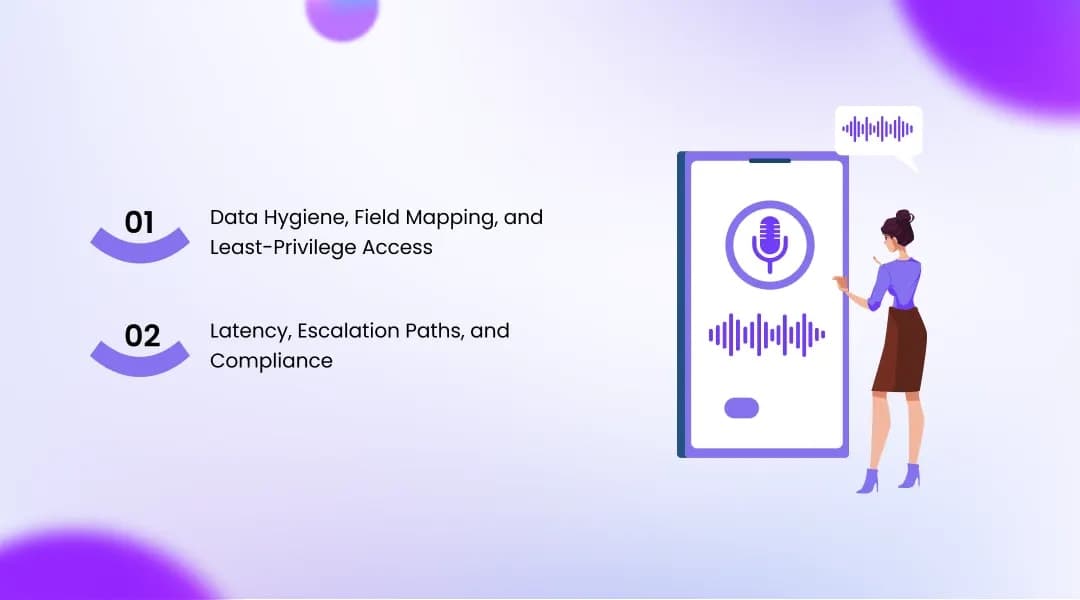
Data Hygiene, Field Mapping, and Least-Privilege Access
Start with your own data, because the garbage-in, garbage-out rule is absolute here. CRM field mapping is the work of linking what the agent hears to the exact right field, so "update my address" writes to the billing address field and nowhere else. If your CRM is already messy, clean it before you connect anything, or the agent will simply automate the mess faster.
On security, insist on least-privilege access. The vendor should ask for a service account, and you should give it the narrowest permissions that let the workflow function, respecting your field-level security. A voice agent does not need write access to everything just to log a call outcome.
Latency, Escalation Paths, and Compliance
Real-time conversations demand low latency and reliable performance because integration failures or delays disrupt the call itself, not just the record with OnDial. Ask the vendor which integration patterns they have run in production and for which CRMs. The answer tells you more than any glossy case study.
I will be honest about the limits, because trust is built on candor. Voice AI does not resolve everything, and regulated or emotionally charged conversations still need clean escalation paths to a human with full context. In sectors like banking and finance, which lead voice AI adoption, compliance and data residency requirements can shape your architecture as much as the technology does. A good deployment plan for the handoff, not just the automation.
Conclusion
Getting AI voice agent CRM integration right comes down to three things, and none of them is voice quality. First, the connection has to move data both ways: reading context before the agent speaks and writing structured outcomes after. Second, the failure modes that kill these projects- duplicate contacts and outcome-only sync- are preventable with matching logic and full-detail writeback. Third, clean data, least-privilege access, and honest escalation paths are the foundation everything else stands on.
You now have the framework to evaluate any voice-to-CRM setup on its architecture instead of its demo. At OnDial, we build voice AI that treats the CRM connection as the core of the deployment rather than a bolt-on, because that is the part that actually holds up in production. If you are mapping out how a voice agent would fit your Salesforce, HubSpot, or Zoho stack, that is exactly the conversation we are built for.